
A tool for reading anything.A few words at a time.
LOOD lets you devour any intimidating text by breaking it down into smaller, smarter, more manageable sized bites.
- A few words at a time.
- Your place, always kept.
- The whole book, one easy slide after another.
LOOD lets you change the page.
Paste it. Read it. Easy as.
Your OWN words, saved as files or books
Paste any text in LOOD or open a Word document, an EPUB, a PDF… LOOD takes off the publisher’s notices, contents pages and page numbers, finds the chapters and starts you at chapter one. Then give it a cover and a place on your shelf, right between the classics.

Start here
A guide
A short tour of LOOD, a few words at a time.

Open file
Your own files
Text, Markdown, web pages, EPUB, PDF or Word.

Paste text
Your own words
Emails, articles, notes, anything.

Read a photo
A magnifying glass
Letters, menus, labels, notices. Take a photo and read its words as slides.
Welcome, Reader
Read it all, comfortably: classic novels, every overlong email, and that ever-growing collection of reports and recipes. Steady, focused, and at your own pace.
Paste in some text, or open a word-based document, and read it in the comfort of your new LOOD reading room. Free from distractions, and free to turn the page with only your thumb.
Explore freely, and tweak the settings until everything is just right for you.
Classics, curated by the Librarian
Classic books, each curated by the Librarian to make reading easy as. The colour band at the foot of each spine tells you what kind of book it is; a thin gold rule above it means it suits every age. Expect a new LOOD Edition on the 1st of every month, chosen by LOOD readers like you. LOOD Editions are always free.
Swipe the shelf →
Every word exactly as its author wrote it. Read why in the Manifesto →
And when you want something new, Discover is full of little ways in: lines to fall for, shelves for the season, and a search for anything.
Lines worth keeping
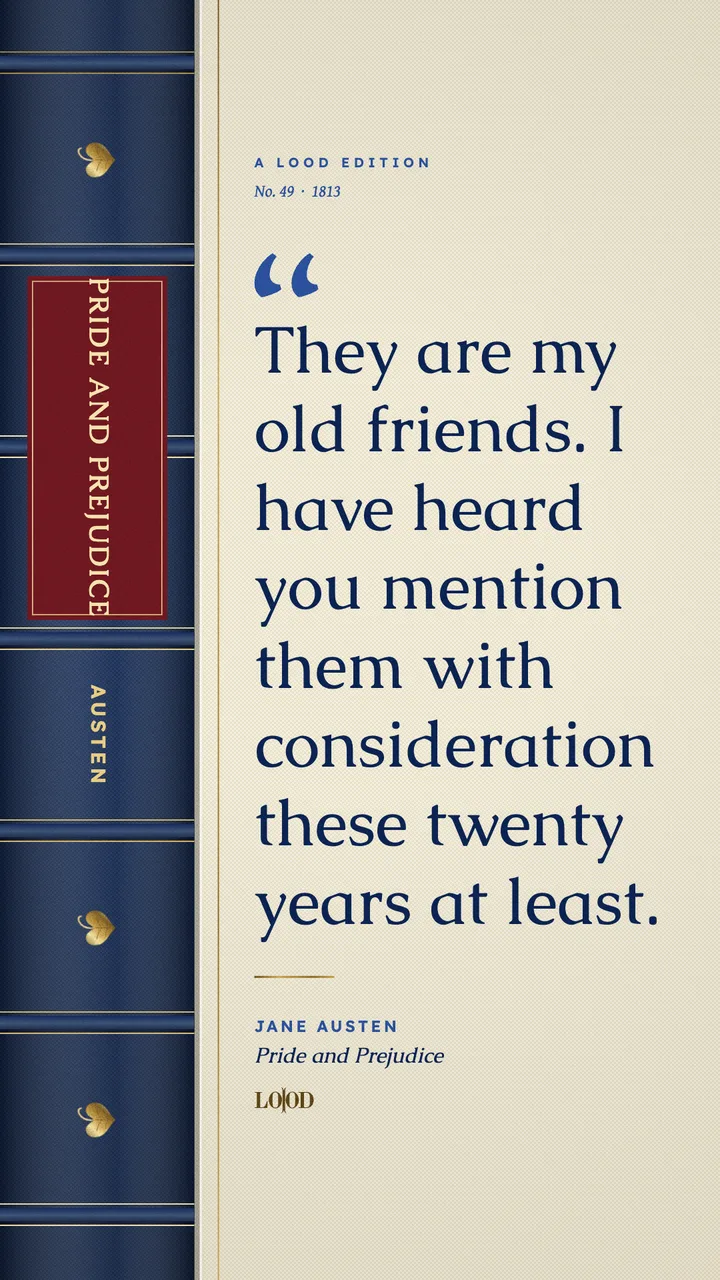
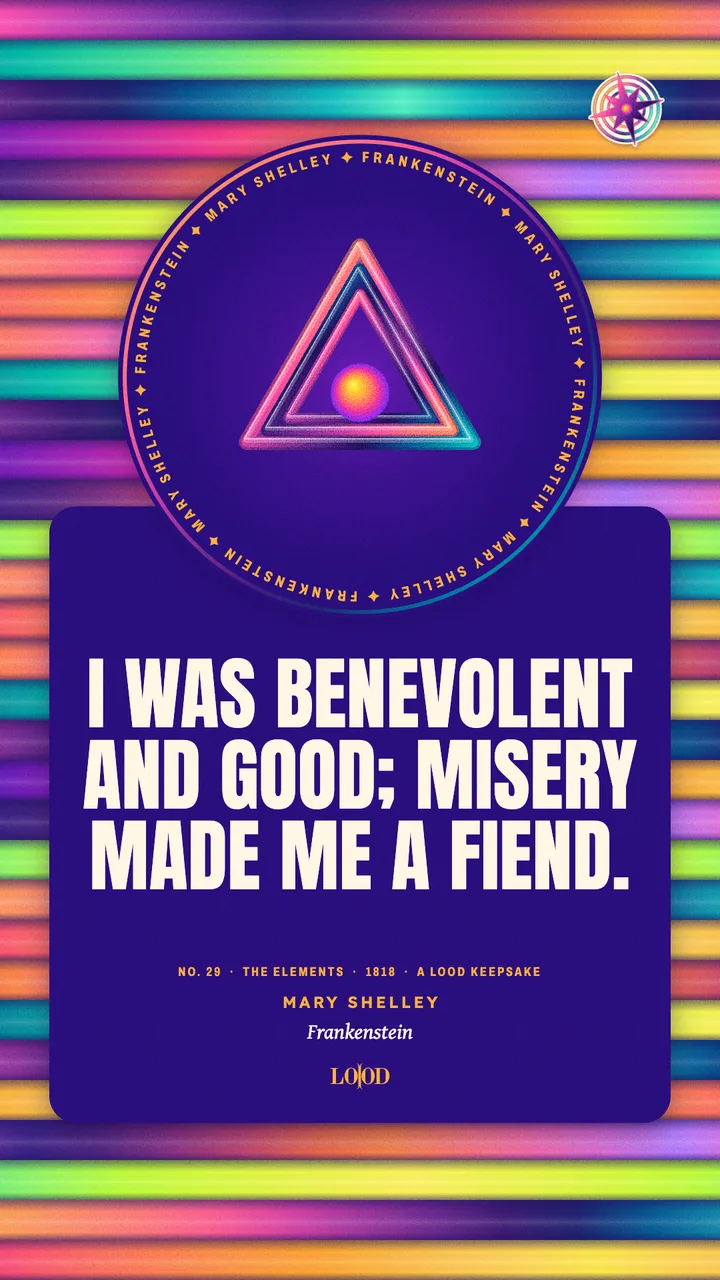
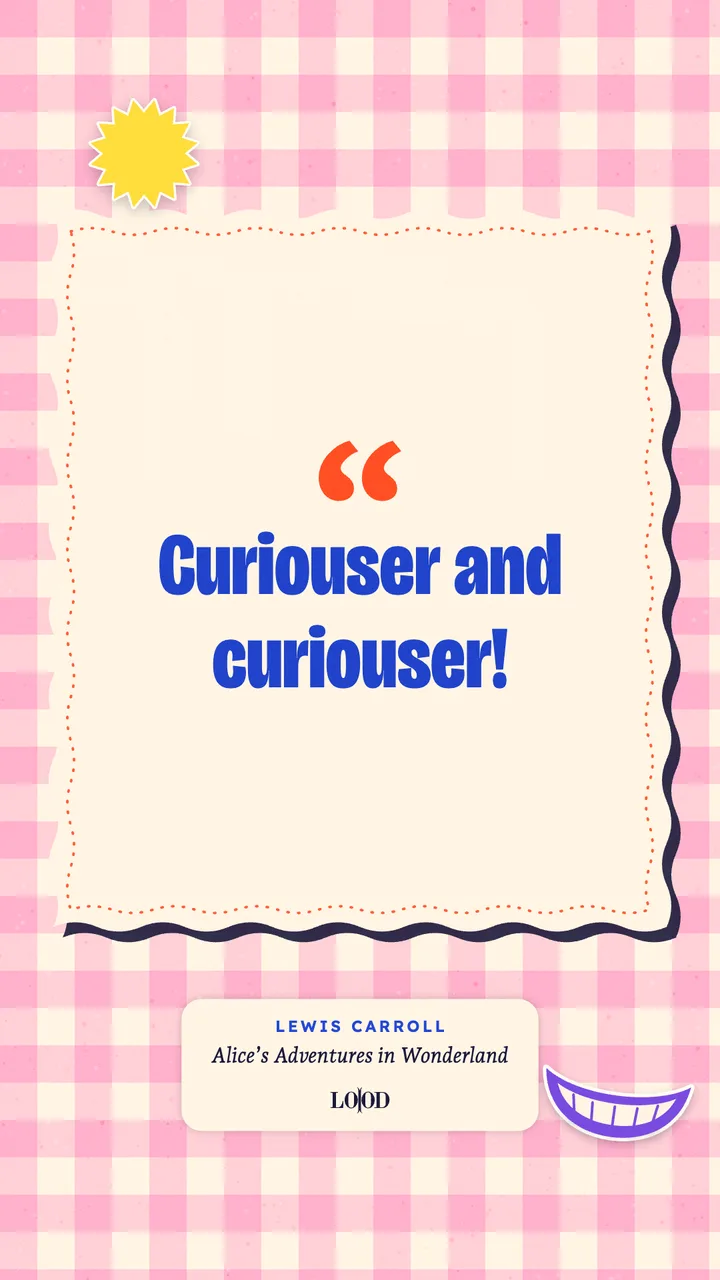
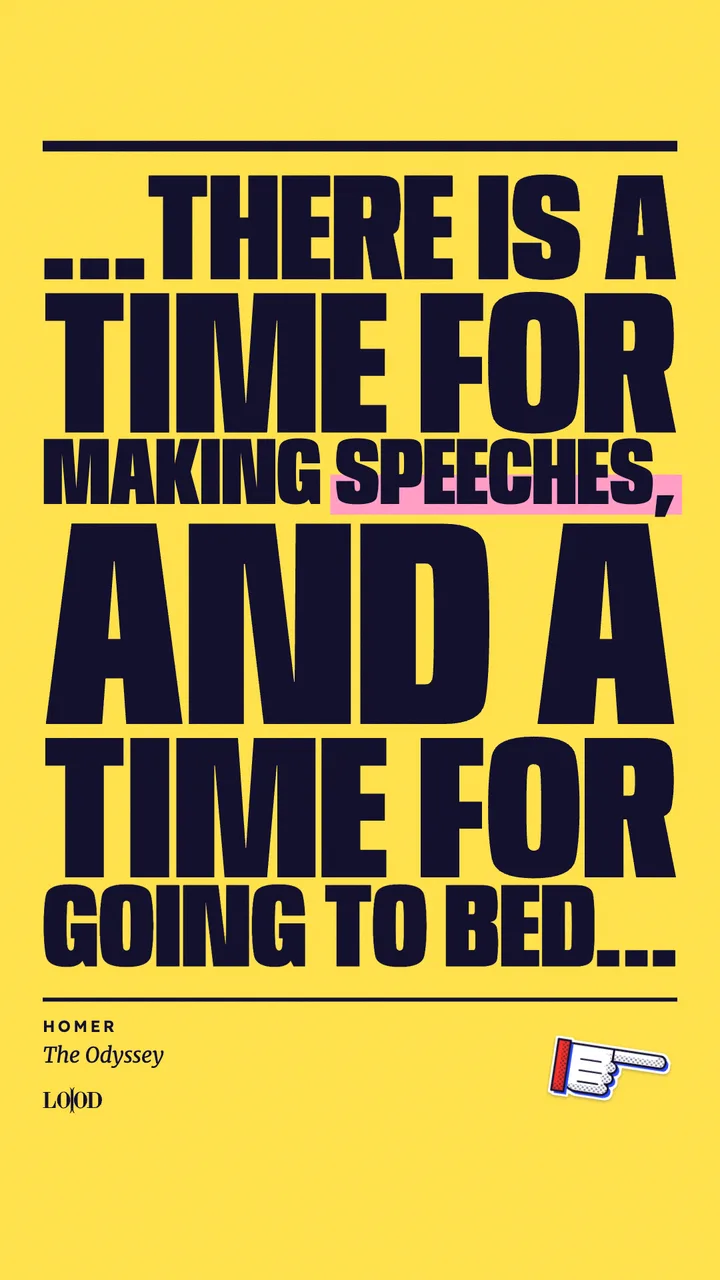
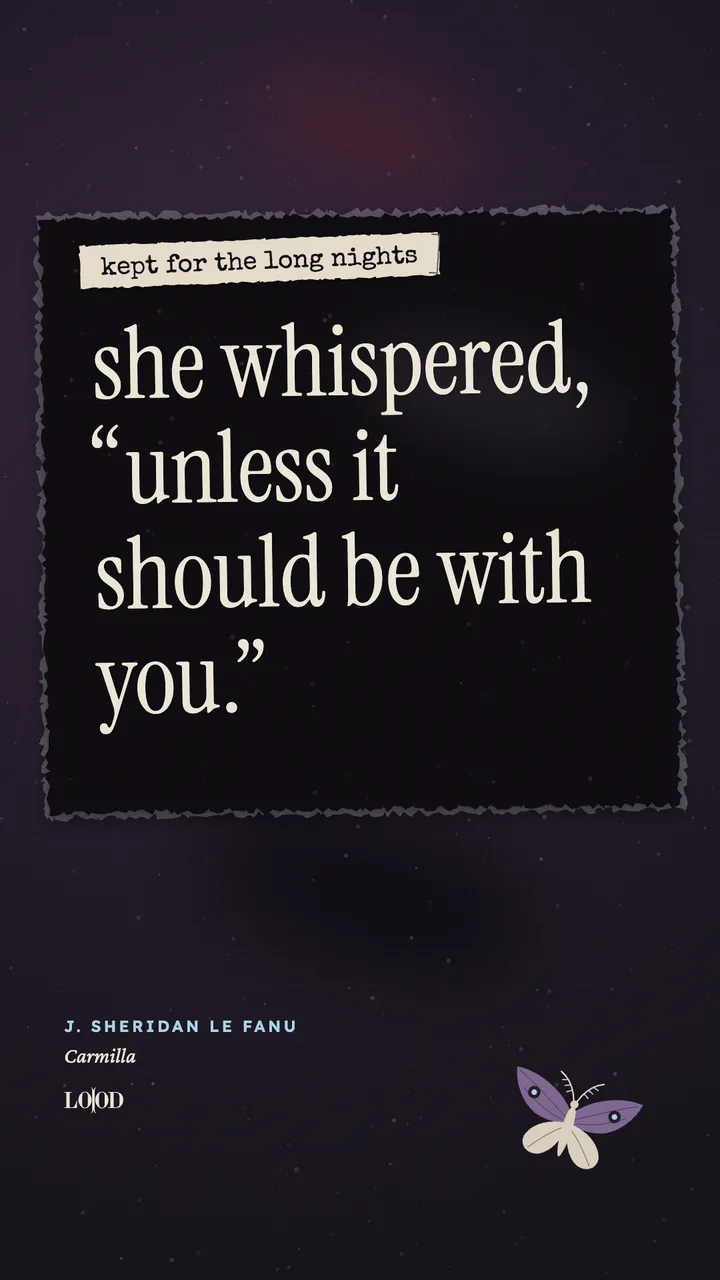
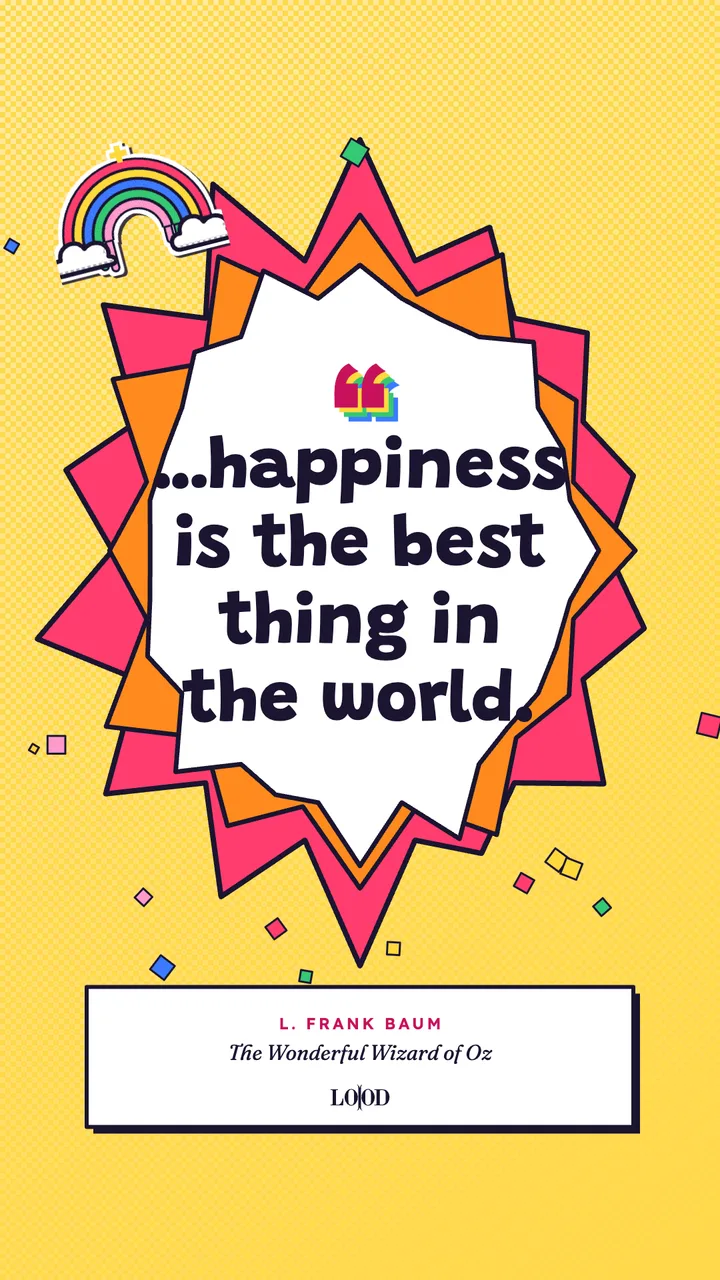
Turn any line into a poster, in moods like Cosmic, Quiet, Spite and Neato. Your scrapbook holds every line worth keeping, and the For a hard day shelf is there when you need it.
Swipe the posters →
Read comfortably, your way
Every reader is different, and every day is too. Set the page up just how you like it, and change it whenever you want, under Comfort.
Try it: tap a mood, slide the text size.
Your size, never shrunk
Pick your text size and every slide keeps it, from the first page to the last.
Room to breathe
Add space between lines, letters and words until the page feels comfortable.
Clear sans
A typeface made so every letter looks different from the next. Easy on tired eyes, and a favourite with dyslexic readers.
Calm when you need it
One tap stops all movement and pictures, for a page that is only words. Or go Dada for a burst of colour.
Strong contrast
Pure black and white, with nothing behind the words.
Hear it, see it
LOOD reads aloud and lights up each word as it goes, on most phones. Free, no account.
One thumb is all it takes
Tap either side to turn the page, or press Play and let the slides move at a steady pace you set. Gentle speed reading, with your place always kept.
Celebrates you, never nags
No streaks to keep. Just a quiet word when you finish something.
Day or night to suit you. Designed for screen readers, and LOOD follows your phone’s settings for less motion, less transparency and more contrast.
Everything you need to read anything
Never lose your place
Every book opens exactly where you stopped, even without signal.
No nasty surprises
Books with mature content tell you what’s ahead, hidden under a dark bar until you choose to look. No spoilers.
Nothing to sign up for
Your shelf, your belongings and your settings all stay free and available on your phone. An account is there if you’d like one, to back it all up.
Your library, saved
One small backup file holds your places, bookmarks, your own books and your Keep scrapbook. Bring it all back on a new phone in one tap.
Pop LOOD on your phone
Free, no ads, no app store. About ten seconds, easy as.

LOOD is made for your phone. Point your phone’s camera here.
- Open lood.life/read in Safari.
- Tap Share , then Add to Home Screen.
- Tap Add. LOOD is on your Home Screen, ready whenever you are.
- Open lood.life/read in Chrome.
- Tap Install LOOD above, or the menu ⋮ then Add to Home screen.
- Tap Install. LOOD is on your Home screen, ready whenever you are.
Good to know
What is LOOD?
LOOD is a free reading app for your phone. It breaks any text into slides of a few words at a time, so big books become small bites.
Who is LOOD for?
Anyone who wants to settle into a book and stay there. LOOD is built with care for every kind of reader; the Accessibility page shows exactly how.
Is LOOD free?
Yes. LOOD Editions are always free, and there are no ads.
Do I need an account?
No. Your shelf, your belongings and your settings stay on your phone. An account is optional, for backup.
What can I read in LOOD?
Classic LOOD Editions, plus anything of your own: paste any text, or open an EPUB, a PDF or a Word document.
Does it work without signal?
Yes. Once a book is open on your phone, it keeps working offline, and it always opens where you stopped.
Does LOOD change the books?
Never. Every word is shown exactly as its author wrote it. LOOD only splits the text into slides.
Does it work on iPhone and Android?
Both. LOOD runs in your phone’s browser, and you can add it to your Home Screen like any other app.
Is LOOD a speed reading app?
In a gentle way. LOOD shows a few words at a time, so your eyes stay in one place. Turn each slide yourself, or press Play and choose a steady pace. It is about reading comfortably, not racing.